Automate your job search. Land your dream role.
RoleMatch AI extracts the best job opportunities, matches them to your resume, and drafts personalized emails to recruiters on your behalf.
60%
More responses compared to manual email writing
100+
Students tried for on and off-campus placements
30%
Have landed more than 5 internships
See it in action
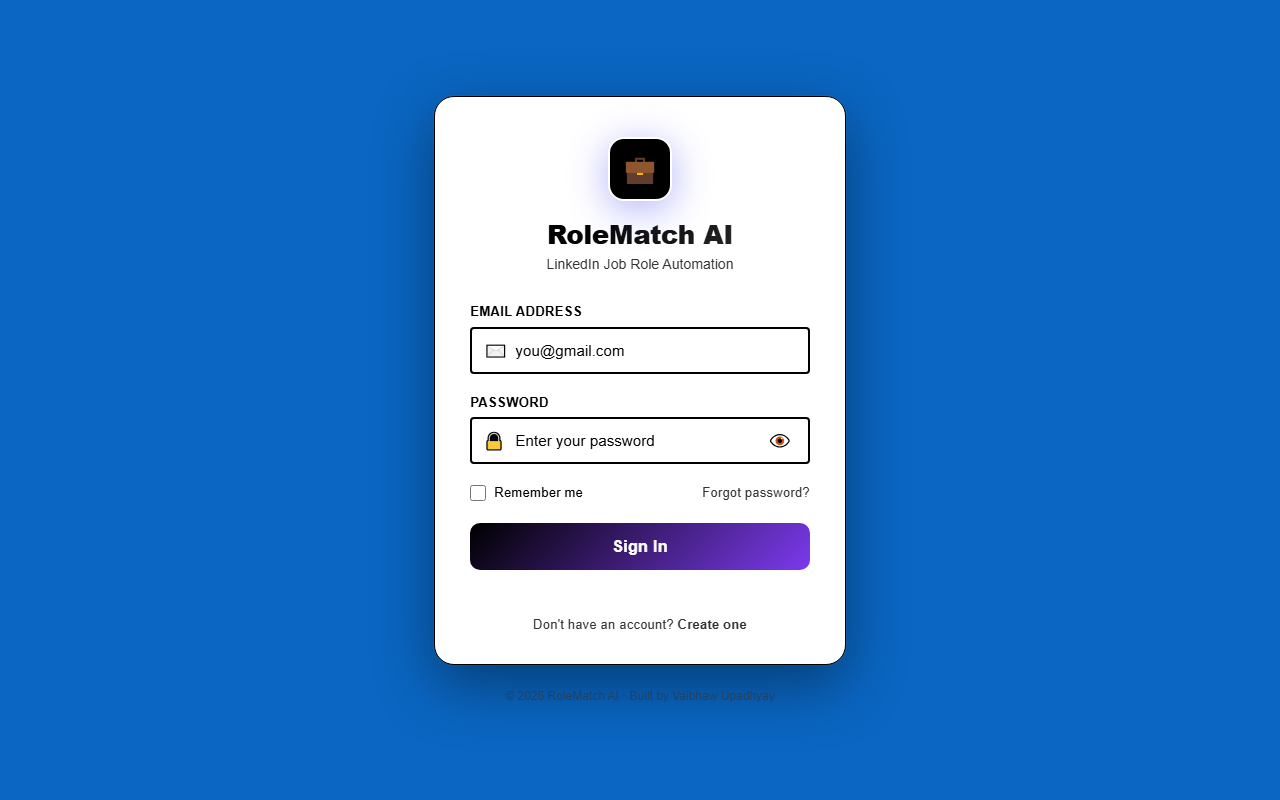
Secure Login
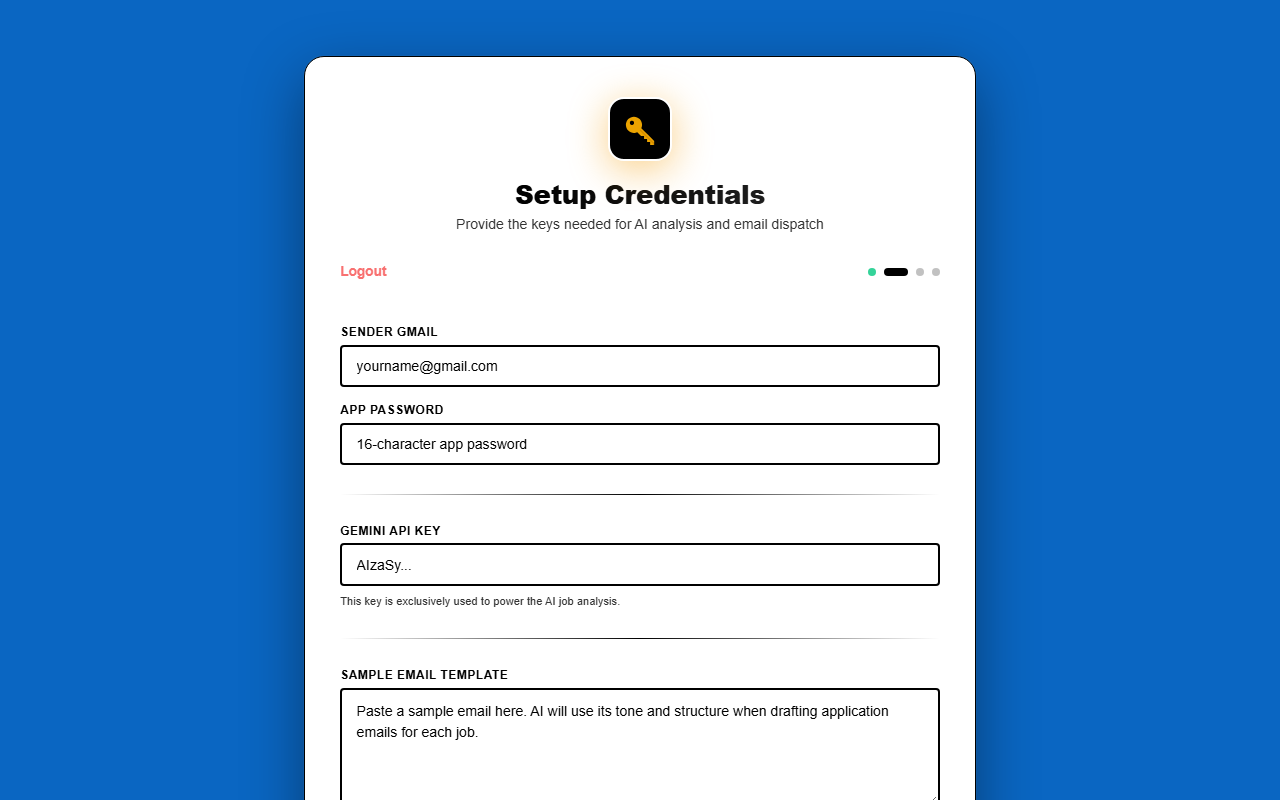
One-time Setup
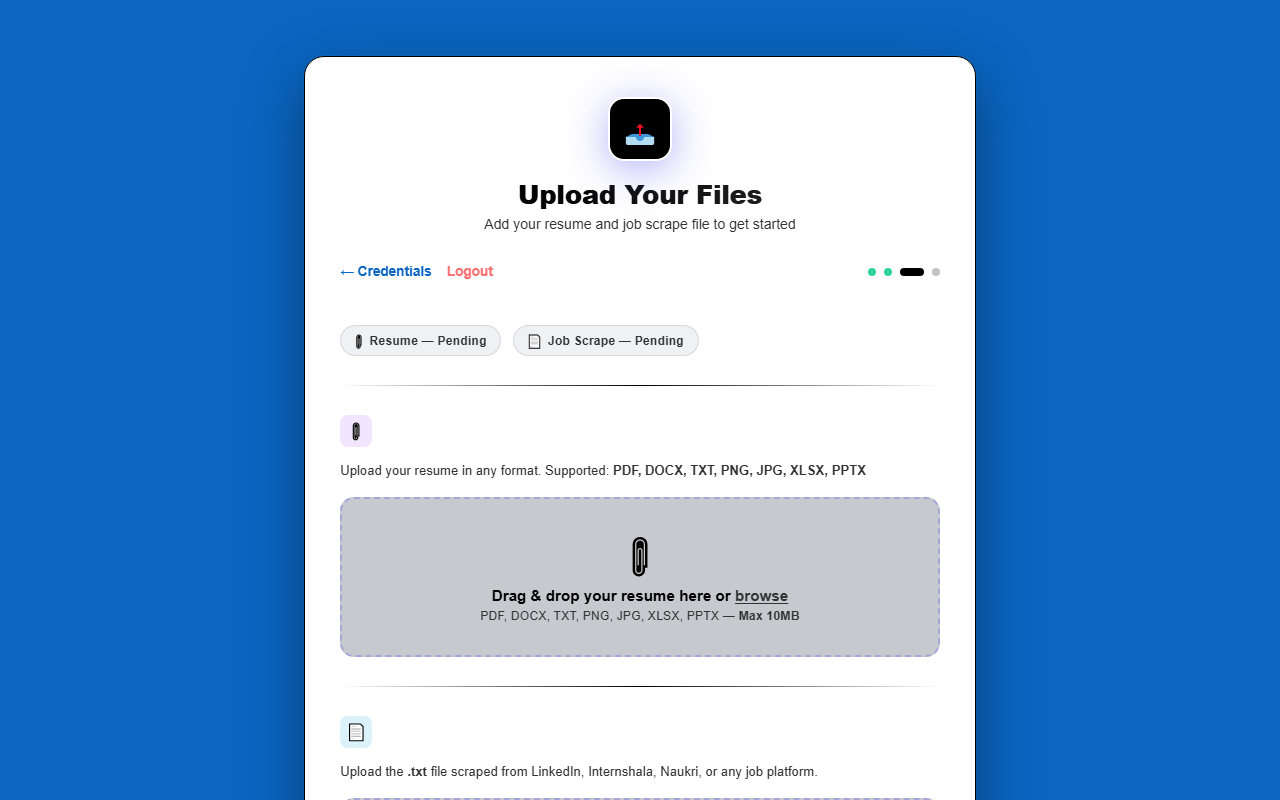
Smart Uploads
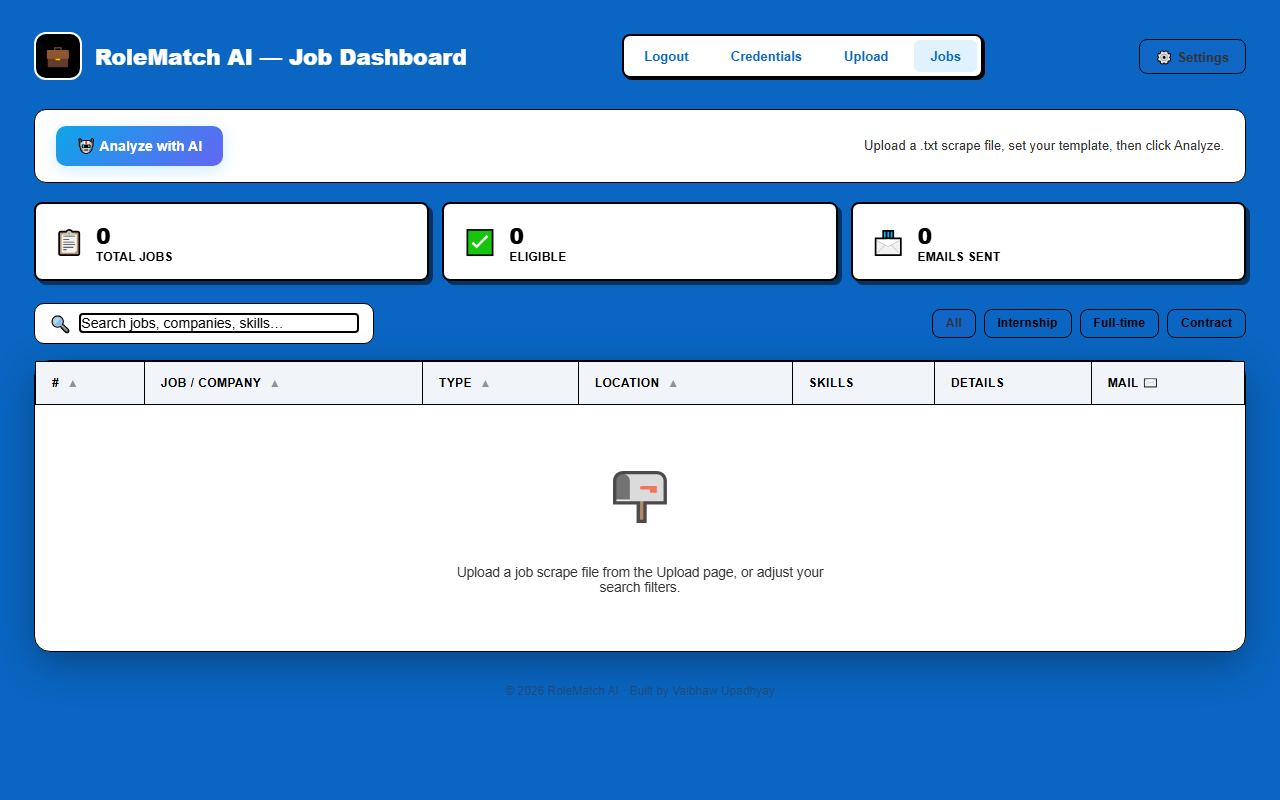
Job Dashboard
Get the RoleMatch AI Chrome Extension
The RoleMatch AI Chrome extension makes it incredibly easy to scrape job descriptions directly
from LinkedIn, Internshala, Naukri, or any other job portal. It instantly generates the clean
.txt job scrape file required by the dashboard for analysis.
How to install in Google Chrome:
- Download the
rolematch-extension.zipfile using the button above and extract (unzip) it to a folder on your computer. - Open Google Chrome and navigate to
chrome://extensions/in your address bar. - Toggle on Developer mode in the top right corner.
- Click the Load unpacked button in the top left.
- Select the folder where you extracted the extension. That's it!
How to use RoleMatch AI
1
Secure Login
- Create a new account or sign in to your existing one.
- Your data is securely isolated in your personal dashboard.
2
Setup Credentials
- Enter your Gmail address and a 16-character Google App Password.
- Provide your free Gemini API key to power the AI analysis.
- This is a secure, one-time setup saved only to your local device.
3
Upload Your Files
- Upload your resume (PDF, DOCX, TXT, etc.).
- Upload the
.txtjob scrape file generated by the Chrome Extension. - Set a sample email template so the AI learns your writing tone.
4
Analyze & Apply
- Click Analyze with AI on the Job Dashboard.
- RoleMatch AI will instantly evaluate your resume against every scraped job.
- Review your eligibility and 1-click send highly personalized application emails!